
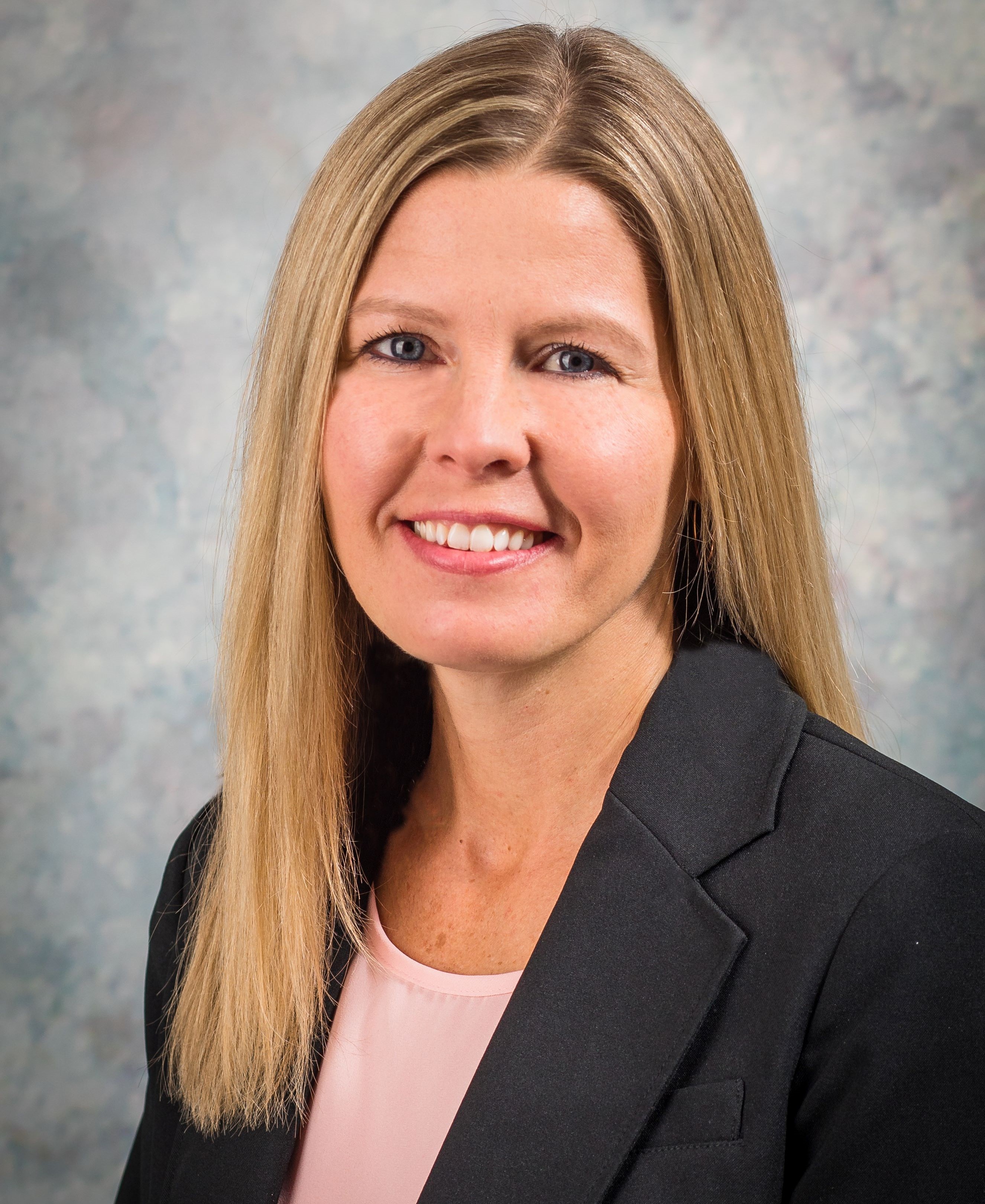
Melissa Grzybowski, President, Food Consulting Company
______________________________________
"We continue to love working with Food Consulting Company and are proud to be a loyal customer! We appreciate their quick turnaround times, ease of understanding reports, and the ability to get all of our questions answered. Their service is professional, yet personable. I now direct our new customers to use Food Consulting Company, as well!"
- Stacey Kalwies, Food Safety QA Director, Smitty Bee Honey, Inc.

THIS IS A TEXT



Responses